
Remote Monitoring for Cold Storage: What You Need and What to Ignore
A clear-eyed guide to remote temperature monitoring for cold rooms and refrigerated equipment — covering connectivity options, data logging, alarm design, and what actually matters for food safety compliance.
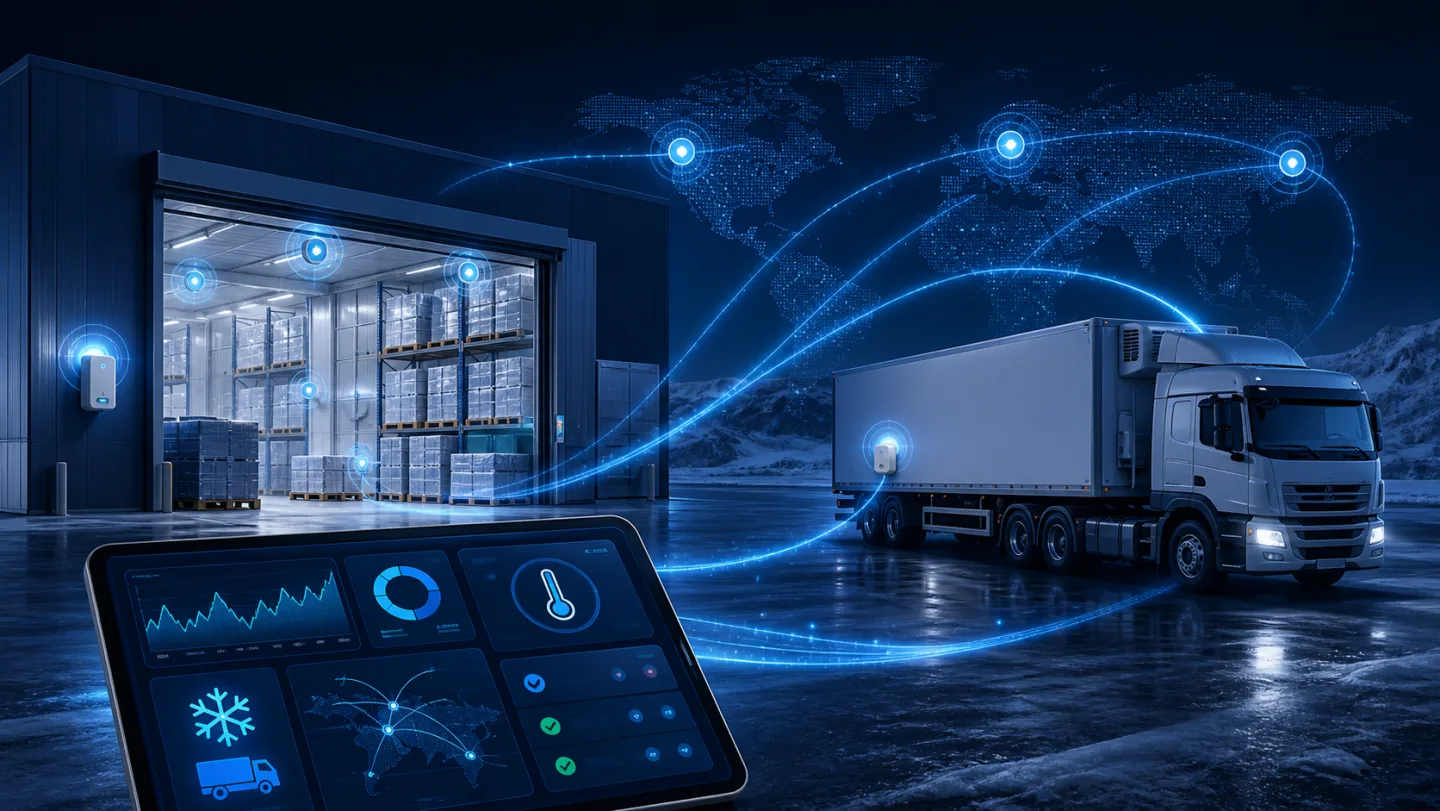
Remote temperature monitoring for cold storage has become a standard expectation rather than a premium add-on. But the market is full of products that promise monitoring and deliver something that sounds useful in a brochure but falls apart in practice. This guide is about what genuinely matters when you add remote monitoring to a cold room, refrigerated cabinet, or cold-chain vehicle.
Why remote monitoring is not optional any more
Three forces have pushed remote monitoring from nice-to-have to routine:
Food safety regulation — most food safety frameworks (HACCP, BRC, IFS, FDA 21 CFR) require continuous temperature records, not just daily manual logs. A single missed check during a temperature excursion can invalidate a batch. Remote monitoring with automatic logging removes the human dependency.
Energy cost — a cold room running at −5 °C when it should be at −18 °C, or one that is defrosting three times as often as necessary, is burning power. Remote visibility surfaces these problems before they become a bill.
Staff coverage — most cold storage operations are not staffed 24/7. A temperature alarm at 3 AM should reach a person with their phone, not sit unacknowledged until opening time.
Connectivity: WiFi versus 4G
This is the first decision that trips people up.
WiFi is cheaper to operate (no SIM costs) and is fine when the building has reliable, well-managed WiFi that reaches the plant room or cold-room area. The problem is that building WiFi is often maintained by whoever handles general IT, not the refrigeration team. When the password changes, or the access point is moved, or the router is rebooted during a firmware update, the monitoring drops out — usually without anyone noticing until after an excursion has already happened.
4G/LTE is more expensive per SIM but independent of building infrastructure. The controller connects directly to the cellular network; the building's WiFi can go down, the router can be replaced, and the monitoring keeps running. For any installation where food safety compliance depends on continuous records, 4G is worth the SIM cost.
Bluetooth is appropriate only for local parameter access — commissioning, spot checks, and parameter backup from a phone in the same room. It is not a substitute for continuous remote monitoring.
The right answer for most commercial cold-storage operations: 4G on the controller, with WiFi as an option for high-density installations where running SIM costs for 50 sensors would be prohibitive and IT infrastructure is well-managed.
What data you actually need to log
The temptation is to log everything. The practice is that too much data is as useless as too little. What matters:
Temperature readings at configurable intervals — 5-minute or 10-minute intervals are standard for food safety purposes. 1-minute logging is useful for troubleshooting but fills storage and makes reports harder to read.
Alarm events with timestamps — every high-temperature alarm, sensor fault, power failure, and manual acknowledgement should be a discrete logged event with a timestamp accurate to the second.
Setpoint changes — any change to the temperature setpoint should be logged with the timestamp and (where access control is implemented) the user who made it. This is a regulatory requirement in pharmaceutical cold storage and good practice in food storage.
Defrost cycles — logging when defrost starts and ends lets you verify that the defrost schedule is working correctly and identify evaporators that are frosting up faster than expected (often a sign of a door seal problem or unusually high humidity load).
Alarm design: what goes wrong in practice
Remote alarm systems fail most often not because the hardware is unreliable, but because the alarm logic was poorly configured and staff learned to ignore alerts.
Common failure modes:
Alarm delay too short — a cold room opening for a normal stock check will often push temperature above the alarm threshold for a few minutes. If the alarm fires every time someone opens the door, staff disable the alerts. Set temperature excursion alarms with a delay of at least 10–15 minutes; immediate alarms should be reserved for sensor faults and power failures.
Alarm goes to the wrong person — the alarm that fires at 3 AM should go to someone with both a phone and access to fix the problem. In practice, many installations route alarms to a general email inbox that nobody monitors out of hours. Designate and test an on-call escalation path before the installation goes live.
No re-alarm on unacknowledged faults — if the first alert goes unanswered, the system should re-alert after a defined interval. A single SMS that arrives while someone is in a meeting and is then forgotten is not a monitoring system.
Recovery alarm missing — knowing when a cold room recovers to setpoint after an excursion is as important as knowing when it went out of range. The recovery event closes the excursion record and lets you assess how long product was above temperature.
Cloud platforms and reports
Most connected temperature controllers can push data to a cloud platform over MQTT, HTTP, or a proprietary protocol. What to look for in the platform:
- Automatic PDF report generation — a cold store manager should be able to produce a 30-day temperature compliance report with one click, not by exporting CSV and formatting it in a spreadsheet
- Per-sensor alert thresholds — a blast freezer and a dairy chiller have different alarm limits; the platform should handle this without workarounds
- Audit-ready tamper evidence — logs that can be shown to a food safety auditor should be read-only; if records can be edited, they lose their evidentiary value
- API access — for operators running their own management software or ERP, an API that exposes raw sensor data and alarm events is more useful than a locked-in dashboard
Retrofitting monitoring to existing equipment
Most controllers with 4G or WiFi connectivity can be fitted to existing refrigeration equipment without replacing the primary temperature controller. An add-on logger with its own sensor input, independent power supply (often from a USB socket or a small DC adapter), and cellular connectivity sits alongside the existing controller and reports independently of it.
The advantage is that the primary control loop is not touched — important in systems where the existing controller is calibrated and certified. The limitation is that the logger reads its own sensor, which may not be the same as the control sensor; placement matters.
For installations being specified from new, a controller with built-in connectivity is cleaner than a bolt-on logger.
A practical checklist
Before finalising a remote monitoring specification:
- Is the connectivity type (WiFi or 4G) chosen based on the actual IT infrastructure, not cost alone?
- Are alarm delays set to prevent nuisance alerts from normal door openings?
- Is the alarm escalation path defined, tested, and pointing to someone who can act on it out of hours?
- Does the logging interval and data format match regulatory requirements for your application?
- Can the platform produce a compliance-ready report without manual data manipulation?
- Is the backup power arrangement sufficient to maintain logging during a mains failure?
Beamform's connected controllers — including the BF-6800 series with optional 4G, WiFi, and Bluetooth modules — are designed for exactly these use cases. For custom connectivity configurations or cloud-platform integration, contact our team.