
Custom OEM Temperature Controllers: What You Can Actually Configure
A practical guide to what hardware, firmware, display, and communication options are genuinely available when ordering a custom OEM temperature controller — and how the process works.
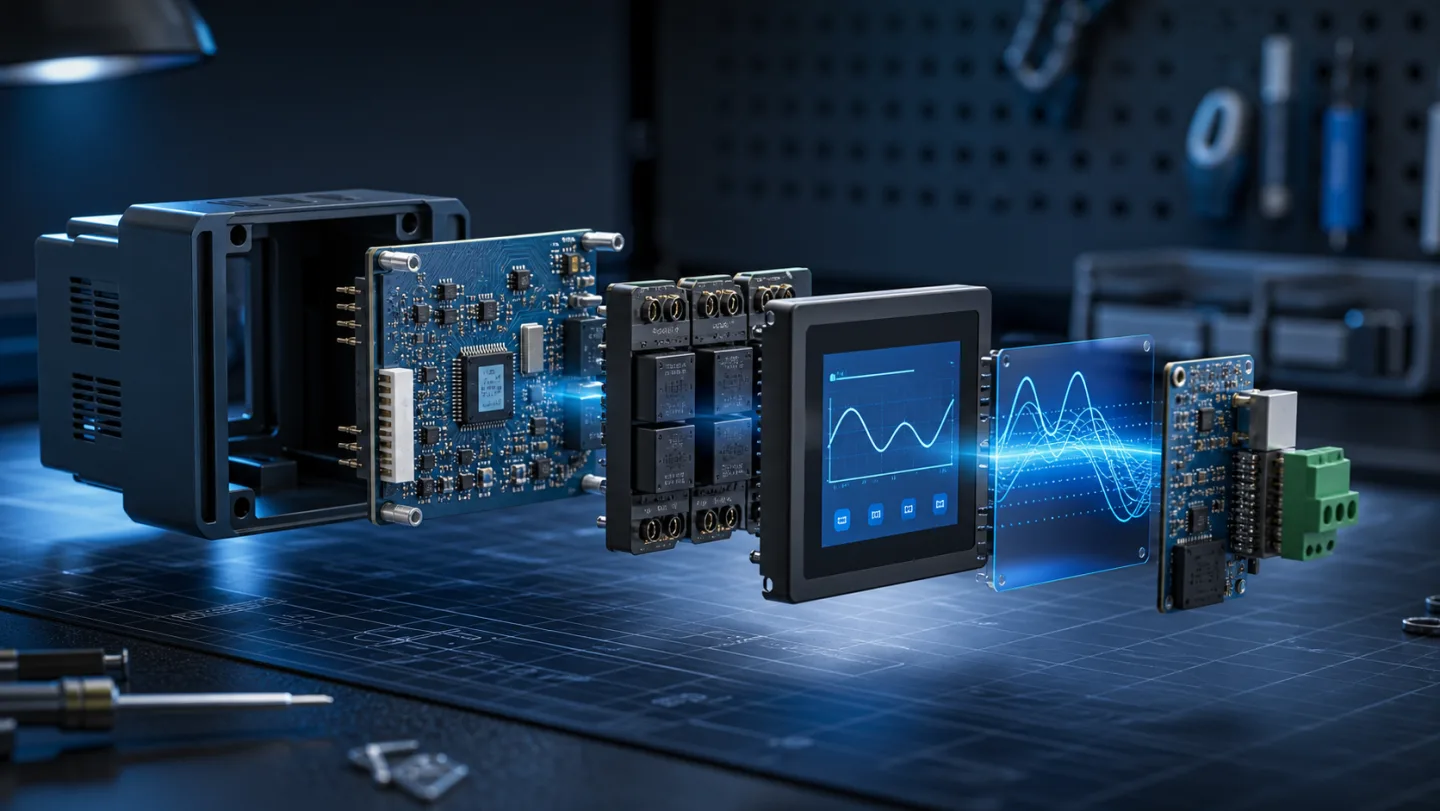
Most equipment manufacturers and system integrators know they can put their own label on a temperature controller. Far fewer know how deep the customization actually goes. This guide explains what is genuinely configurable when you commission a custom OEM temperature controller — hardware, firmware, display, and communication — and what to expect from the process.
Why a standard product is often the wrong starting point
A standard temperature controller is designed to cover the widest possible range of applications. That means default parameter ranges, a generic UI, relay ratings that suit the median load, and a protocol stack that matches the most common SCADA setups. For a product that needs to feel native to your brand, your application, and your users, "standard with a sticker" leaves a lot on the table.
Custom OEM development lets you ship a controller that your customers will not recognize as a bought-in component — because the firmware behaves the way your product documentation says it should, the display shows the data your operators care about, and the hardware is sized for your actual electrical environment.
Hardware: what changes at the board level
The PCB and mechanical design are the starting point for real customization. Common hardware changes include:
- Relay rating and count — standard models typically offer 5 A / 250 V outputs. Custom designs can step up to higher-rated relays, or add more switching channels for multi-zone or multi-load applications.
- Sensor input types — NTC thermistors are the default for refrigeration, but custom builds can accommodate PT100/PT1000 RTDs, thermocouples, or 4–20 mA transmitters for higher accuracy or specialist environments.
- Analog and digital I/O — additional inputs for door switches, flow sensors, CO₂ probes or humidity sensors; additional outputs for modulating valves, variable-speed drives, or indicator panels.
- Enclosure and panel format — from compact DIN-rail modules to large 10-inch flush-mount panels with weatherproof front faces for outdoor or harsh-environment installations.
- Power supply range — most standard controllers assume AC 220 V. Custom builds can target AC 110 V, 24 V DC, or a wide-range supply for international distribution.
Firmware: the layer that defines behavior
Firmware customization is where the product starts to become genuinely yours. The main categories:
Control logic — the core algorithm can be adapted from simple on/off hysteresis to PID control, cascade control for multi-stage refrigeration, or fully custom state machines for specialist processes. Setpoint limits, safety interlocks, and mode-selection logic all sit in firmware.
Default parameters — the factory-default setpoint, differential, defrost interval, fan delay, alarm thresholds and lock password can be pre-configured to your application before the controllers leave the factory. Your customers turn it on and it is already tuned for their room or machine.
UI and language — menu structure, screen layout, button labels and display language are all definable. A controller destined for a Japanese food-processing plant can ship in Japanese; one going to a European distributor can have EU-market defaults and CE documentation pre-loaded.
Alarm and logging behaviour — alarm acknowledgement flows, local alarm memory, auto-reset conditions, and data-log intervals can be configured to match your application's compliance requirements.
Display and HMI: from basic to full digital dashboard
Display customization spans a wide range:
Segmented LED displays — standard on most compact controllers. Custom firmware controls which parameters are shown on power-up, and what the secondary display cycles through. Simple but reliable for production environments.
Monochrome LCD with custom screens — adds graphical icons, trend bars, and multi-language support. Good for mid-range products with more than one operating mode.
Color touchscreen HMI — the biggest step up. A color touchscreen running custom UI code can display real-time trend charts, multiple sensor readings on a single screen, setpoint entry via numeric keypad, user-level access control, and alarm history logs. For multi-zone control systems — greenhouses, cold rooms, server rooms — a color touchscreen turns the controller into an operator panel rather than just a thermostat.
Large-format panels (7-inch, 10-inch, or larger) are often the interface layer for whole-building or whole-process control, pulling data from downstream sensor nodes and presenting a consolidated view to the operator.
Communication: how the controller connects to your wider system
Communication is increasingly where OEM buyers distinguish requirements. The options:
- RS-485 / Modbus RTU — the industrial standard for wiring multiple controllers onto a single bus. Nearly every SCADA and BMS can read Modbus registers. Custom register maps mean your downstream integrators do not have to reverse-engineer the firmware.
- Modbus TCP over Ethernet or WiFi — for installations where pulling RS-485 cable is impractical, or where the controller needs to publish data to a cloud dashboard.
- 4G/LTE — self-contained cellular connectivity for remote sites without fixed-line internet: cold stores in transit, agricultural buildings, telecoms shelters.
- Bluetooth — for phone-based commissioning, parameter backup, or local monitoring without infrastructure.
- MQTT over WiFi or Ethernet — for direct integration with IoT platforms, cloud-based SCADA, or customer-facing mobile apps. Custom topic structure and payload format can be defined to match your cloud schema.
In practice, most bespoke projects combine two protocols: one for local RS-485 aggregation, one for cloud upload.
The process: from brief to production
A realistic custom OEM engagement follows these stages:
- Brief and specification — share your electrical environment, sensor requirements, control logic, display preference, communication needs, and target volume. A bill of specifications does not need to be exhaustive at this stage; we can ask the right questions.
- Reference design and firmware scope — we propose a hardware base and firmware feature set, confirm the UI flow, and agree on a register map for communication.
- Prototype / EVT — a small quantity of boards and firmware builds for functional testing at your site. This is where your engineering team validates the control logic against your real application.
- DVT and pre-production — design locked, CE/UL/RoHS documentation completed if required, tooling opened for custom enclosures.
- Production and supply — MOQ ranges from a few hundred units for niche products to high-volume runs for major OEM programmes.
The typical timeline from brief to first prototypes is 6–10 weeks for firmware and PCB changes; longer if a new enclosure tool is needed.
When custom makes sense
Custom OEM development is worthwhile when:
- Your application has parameters outside a standard controller's configurable range
- You need a communication protocol or register map that a standard product does not provide
- The user interface has to reflect your product design, not a generic thermostat menu
- You are building a branded product line and the controller is visible to your end customers
- Volume justifies the tooling and NRE investment
For a conversation about what a custom programme might look like for your product, contact the Beamform team. We are direct — if a standard product would serve your needs just as well, we will tell you.