
Integrating Temperature Controllers via Modbus: A Practical Guide for System Integrators
How to connect digital temperature controllers into SCADA, BMS, and industrial automation systems using Modbus RTU and Modbus TCP — covering register maps, wiring, common pitfalls, and protocol alternatives.
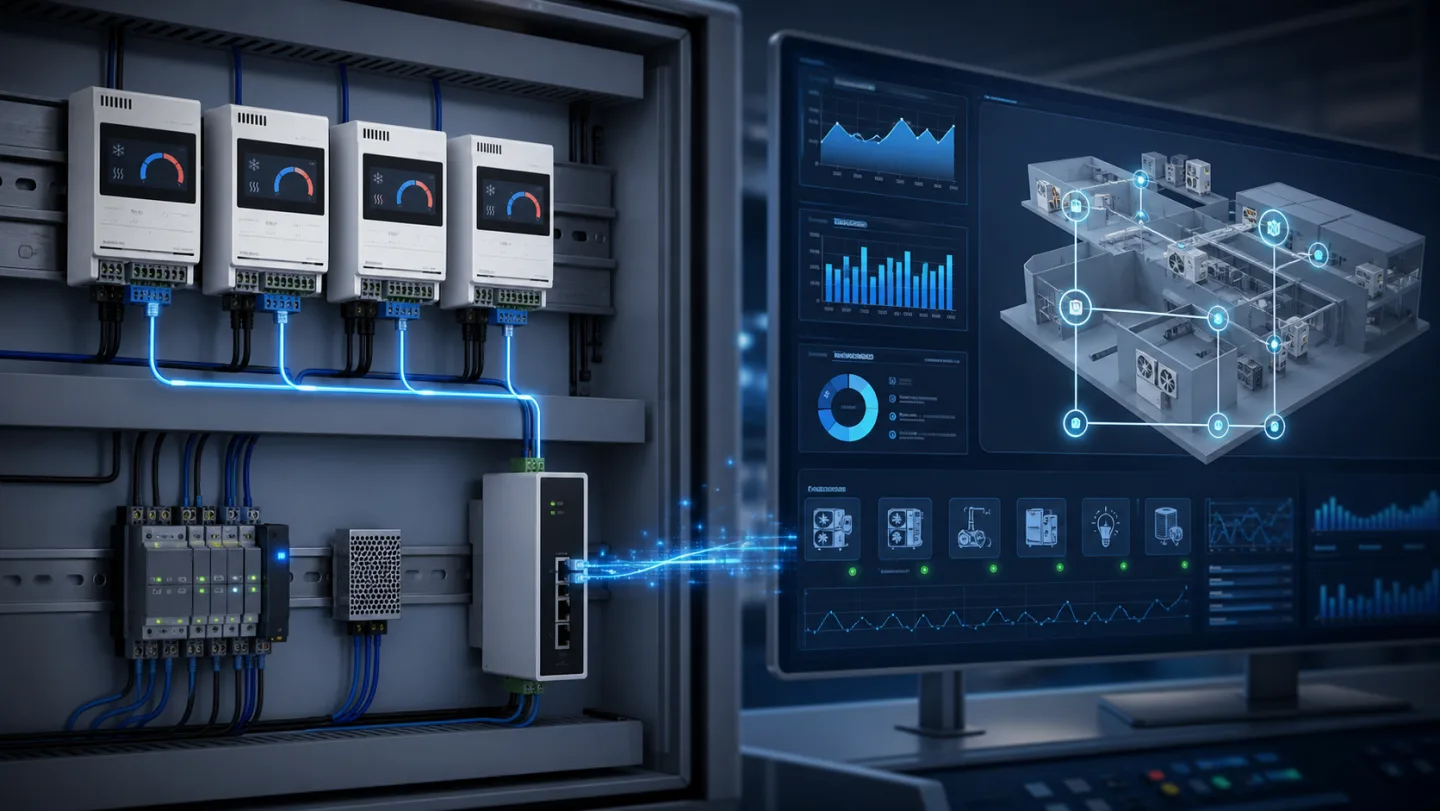
For most system integrators, connecting a temperature controller to SCADA or BMS is a routine task — until it isn't. Modbus is simple in principle and genuinely flexible in practice, but a surprising number of temperature controller integrations fail or underperform because the register map was underdocumented, the RS-485 wiring was treated as an afterthought, or the communication settings were wrong on both sides. This guide covers the practical steps and common failure points.
Why Modbus is still the right choice for most applications
Modbus RTU over RS-485 dates to 1979 and is showing no signs of retirement. For temperature controller integration, it remains the most practical choice in most industrial and commercial buildings because:
- Every SCADA platform supports Modbus RTU natively, without drivers or middleware
- RS-485 physical layer is robust: 1200 m cable runs at 9600 baud, noise-tolerant, multi-drop
- The protocol is simple enough that a register read from a controller is debuggable with a laptop and a USB-to-RS-485 adapter
- OEM register maps can be fully defined by the controller manufacturer to match your data model
Modbus TCP is appropriate when the controller is on an Ethernet or WiFi network, or when the BMS has no RS-485 port. The register semantics are identical to RTU; only the transport layer changes.
Planning the register map
Before wiring anything, get the controller's register map documented completely. For a custom OEM controller, you define this; for a standard product, demand the full register list, not just the marketing summary.
For a temperature controller you typically need access to:
| Register type | Typical content |
|---|---|
| Input registers (read-only) | Current temperature, humidity, setpoint, alarm state, relay status, sensor fault flags |
| Holding registers (read/write) | Temperature setpoint, defrost setpoint, alarm thresholds, differential, defrost interval |
| Coils (read/write) | Remote setpoint enable, force defrost, alarm acknowledge |
| Discrete inputs (read-only) | Door contact, high/low alarm active, sensor fault active |
Get all four register types mapped before integration starts. A controller that only exposes holding registers for setpoints but does not map current readings to input registers is less useful than one with a complete map.
Data type conventions — Modbus registers are 16-bit unsigned integers. Temperature values are almost always stored as the actual value × 10 (so −18.5 °C is stored as 0xFFEB = 65515 in unsigned, or −181 as a signed integer). Confirm the signed/unsigned convention and the scaling factor; these vary between manufacturers and are the most common source of wrong readings after wiring is complete.
RS-485 physical layer: where most problems start
RS-485 problems account for the majority of field Modbus issues. The key rules:
Cable — use twisted-pair shielded cable. Standard instrument cable (Belden 9841 or equivalent) works well. Unshielded flat cable is fine in a clean environment; in an electrical panel with contactors and VFDs it will cause intermittent read errors.
Termination — the RS-485 bus needs a 120 Ω termination resistor at each end of the cable run. Many controllers have a built-in termination switch; if not, fit an external resistor across A and B at the last device on the bus. Failure to terminate causes reflections on long runs, which manifests as CRC errors at higher baud rates.
Biasing — on long buses with many devices, the line may float when all devices are in receive mode. Bias resistors (typically 560 Ω to 5 V and GND on the A and B lines) at the master end prevent false start bits. Most USB-to-RS-485 adapters include these; dedicated RS-485 ports on PLCs and SCADA servers may or may not.
Ground reference — RS-485 is differential but not floating. All devices on the bus should share a common ground reference (the cable shield, connected at one end only, or a separate drain wire). Without a common reference, common-mode noise can exceed the ±7 V input range of the RS-485 receivers and cause random errors.
Cable length and baud rate — at 9600 baud, 1200 m is achievable with good cable. At 38400 baud, keep to 600 m. Most temperature controller applications have no need to exceed 19200 baud; using 9600 keeps timing margins comfortable.
Multi-drop: connecting multiple controllers
RS-485 supports up to 32 standard-load devices on a single bus (more with repeaters). For a building with 20 cold rooms each with a temperature controller, a single RS-485 cable can address all 20 controllers from a single SCADA serial port.
Each controller needs a unique Modbus device address (1–247). Set addresses during commissioning with the controller's front panel; document them. Duplicate addresses cause read collisions that are difficult to diagnose.
Daisy-chain the cable between devices rather than using a star topology. Star wiring creates stubs that act as antennas and cause reflections. If a star is unavoidable, keep the stub lengths under 1 m.
Scanning rate — do not try to scan all registers from all devices in every poll cycle. A SCADA polling all registers from 20 devices at 9600 baud every second will spend most of its time waiting for timeouts. Structure the poll table: scan current readings (temperature, alarm state) every 10–30 seconds; scan configuration registers only on demand or at startup.
Modbus TCP over WiFi or Ethernet
When the controller is on a network, Modbus TCP replaces the physical RS-485 transport. The register map is identical; the SCADA connects via TCP port 502 to the controller's IP address.
WiFi Modbus TCP is convenient but introduces latency and reliability considerations that do not exist on a wired RS-485 bus. In an industrial environment, prefer wired Ethernet for Modbus TCP wherever the cable run is feasible. WiFi Modbus TCP is fine for a small number of controllers in an office or commercial building where the WiFi infrastructure is managed; it is less suitable for a production environment with RF interference.
MQTT as an alternative to Modbus polling
For installations where data needs to reach a cloud platform rather than a local SCADA, MQTT over WiFi or 4G is a cleaner architecture than running Modbus polling from the cloud. The controller publishes temperature, alarm, and status data to a broker at a configured interval; the cloud platform subscribes.
MQTT is publish-subscribe rather than request-response, which means:
- No polling: the controller sends data proactively, reducing latency and eliminating the overhead of managing a poll schedule
- No open ports: the controller initiates the outbound MQTT connection, which passes through NAT without firewall configuration
- Broker-side buffering: data published when the cloud is temporarily unreachable is queued at the broker and delivered on reconnection
For a custom OEM controller integration into a cloud IoT platform (AWS IoT, Azure IoT Hub, Google Cloud IoT), MQTT with TLS and certificate-based authentication is the standard pattern. The topic structure and JSON payload schema can be defined to match your platform's data model exactly.
Custom register maps for OEM controllers
A standard Modbus controller ships with a fixed register map that reflects how the manufacturer modelled the device. For OEM integration, a custom register map means:
- You define the register addresses to match your SCADA's existing address schema, avoiding remapping in the SCADA software
- Internal state machines and calculated values (e.g., compressor runtime, defrost count, energy accumulator) can be exposed as registers that would not exist on a standard product
- Register access control — some registers readable by any SCADA, others write-protected to engineering-level access — can be baked into the firmware
If you are integrating multiple controllers into a system where the Modbus register addresses need to align with other equipment or with an existing SCADA template, a custom register map on the controller side is almost always cheaper than trying to remap everything in the SCADA configuration.
For Modbus integration support, custom register maps, or protocol questions for a specific installation, contact the Beamform team.