
Color Touchscreen HMI Controllers: When a Thermostat Becomes an Operator Panel
How color touchscreen HMI temperature controllers differ from standard thermostats, what they enable in industrial and commercial applications, and when the upgrade is worth it.
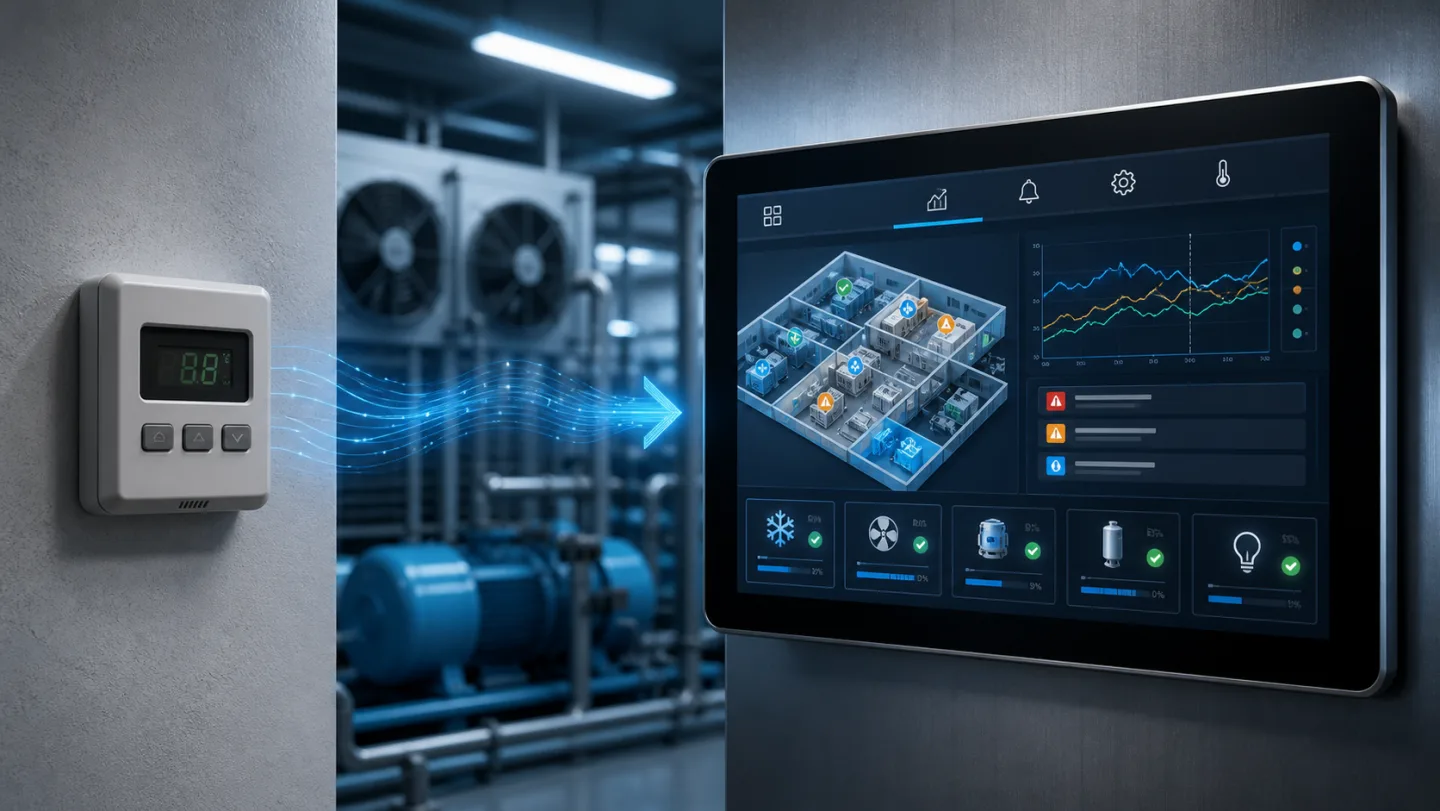
There is a clear point in the evolution of a temperature control installation where a thermostat is no longer the right tool. When an operator needs to see three zones at once, review a trend from the last six hours, acknowledge an alarm, and adjust a setpoint — all without opening a laptop or navigating a seven-button menu — a color touchscreen controller earns its keep. This article explains what color HMI controllers actually offer and where they fit.
The limits of segmented LED thermostats
Standard digital thermostats use segmented LED displays for good reason: they are readable in bright light and low temperatures, physically robust, and cheap to produce. For a single-zone application where an installer sets the parameters once and an operator glances at the current temperature, they work well.
They struggle when:
- Multiple parameters need to be visible simultaneously (temperature, humidity, alarm state, setpoint)
- Trend data matters — you need to see whether temperature has been drifting upward over the past four hours, not just what it reads now
- Users are not trained technicians — a touchscreen with clearly labelled buttons and graphical status icons is far more operable for non-specialist staff
- The controller is the visible face of a larger system — in a branded machine or a high-value installation, the UI quality is part of the product
What a color touchscreen adds
Real-time multi-parameter display — a 7-inch color screen can show temperature, humidity, setpoint, alarm state, relay status, and current sensor reading simultaneously. No navigating menus to find out if the fan relay is active.
Trend charts — graphing the last 24 hours of temperature and humidity on the controller itself gives operators an immediate view of system behaviour without connecting to an external logging system. Useful for diagnosing intermittent problems, verifying defrost cycles, or demonstrating cold-chain compliance to an auditor.
Touch-entry setpoint adjustment — a numeric keypad on screen is far faster and less error-prone than scrolling through a parameter with up/down buttons. Operators are also less likely to accidentally change the wrong parameter.
Multi-zone dashboard — a split-screen layout showing four or eight zones simultaneously is standard on larger panels. The operator sees the whole installation at a glance; a single tap drills into zone detail.
Alarm history log — color touchscreen controllers can store hundreds of alarm events with timestamps, which is invaluable for food safety audits, medical equipment maintenance logs, and industrial equipment troubleshooting.
Access levels — touchscreen controllers routinely implement user-level access control. Operators can acknowledge alarms and adjust setpoints within defined bounds; engineers unlock full parameter access with a PIN or key.
Industrial and split-type designs
Color touchscreen controllers come in two physical configurations:
Integrated (all-in-one) — the display, relay board, and power supply are in one panel-mount enclosure. Simplest to install; best for new builds where the panel layout is designed around the controller.
Split-type — a thin-bezel display panel (DC 12 V) connects to a separate relay mainboard (AC 220 V) by cable. The display can be mounted on a cold-room door, a machine front panel, or an operator desk, while the relay board sits in the electrical enclosure near the loads. Common in retrofit installations and anywhere the display needs to be in a different location from the power wiring.
The BF-6910 and BF-6920 are split-type controllers: 193 × 133 mm touchscreen panel, AC 220 V mainboard, with optional humidity sensor on the 6920.
Where color touchscreen controllers make the most sense
Multi-zone cold storage — a single touchscreen showing all rooms, with direct drill-down to zone detail and alarm history, replaces a bank of individual LED thermostats and eliminates the problem of not knowing which room triggered an alarm.
Greenhouse and agricultural climate control — temperature, humidity, CO₂ interlock status, and vent position on one screen. Scheduled day/night setpoints viewable and adjustable without a laptop.
Medical and laboratory equipment — audit log, access control, and alarm history meet regulatory requirements that a basic thermostat cannot. Temperature deviation reports can be exported for compliance documentation.
Food processing and HACCP environments — continuous temperature logging with on-screen trend view, combined with alarm history export, satisfies most HACCP temperature monitoring requirements directly at the point of control.
Branded OEM products — when the controller is visible to an end customer, the quality and usability of the touchscreen UI is part of the product. Custom UI design — your brand colors, your terminology, your user flow — turns a generic controller into a product feature.
Custom HMI development
The standard touchscreen UI covers most general-purpose temperature control use cases. For applications that need more — multi-sensor dashboards, custom alarm workflows, integration with a specific cloud platform, multi-language support, or regulatory documentation output — the firmware and UI can be developed to spec.
Common custom HMI requests include:
- Multi-sensor overview screens for 8–32 point monitoring installations
- Graphical floor-plan displays showing room temperatures on a building map
- Integrated data export to USB or cloud via MQTT, formatted to your platform's schema
- Compliance report generation — automatic temperature deviation reports in the format required by food safety or pharmaceutical auditors
If you are specifying a new installation or upgrading an existing one and want to understand what a custom or semi-custom touchscreen controller would involve, contact Beamform. We can advise from the display size through to the firmware and connectivity.